
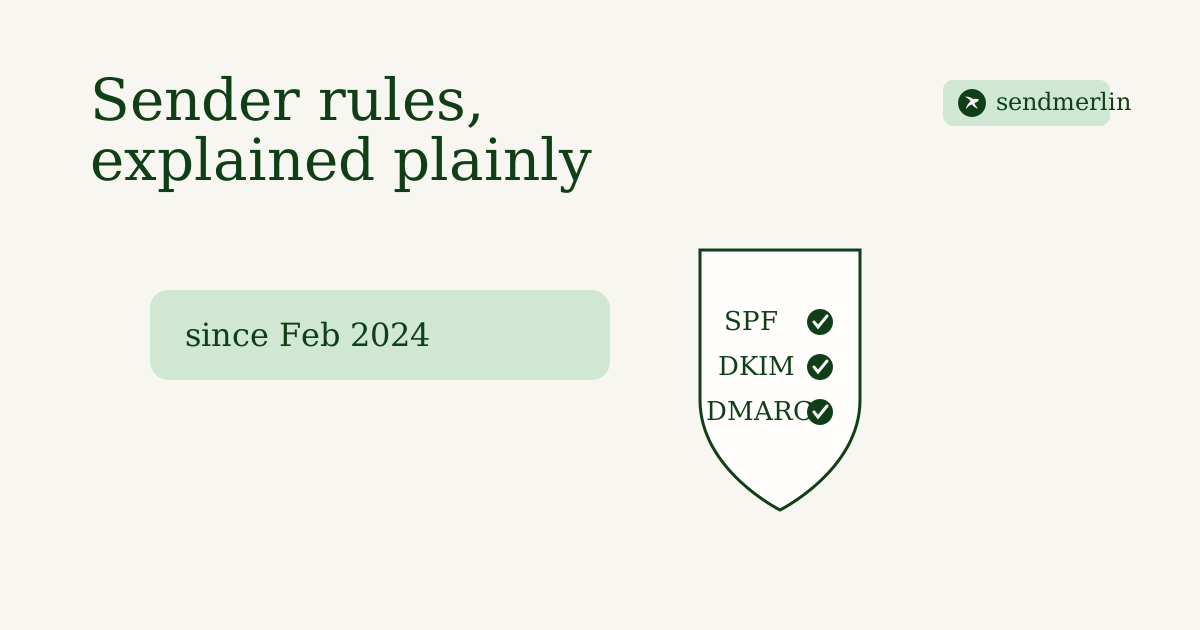
In October 2023, Google announced new requirements for anyone sending bulk email to Gmail addresses, enforced from February 2024. Yahoo rolled out matching rules on the same timeline. If you've seen 'SPF', 'DKIM', 'DMARC', and 'one-click unsubscribe' thrown around since then without a plain explanation, here's what they actually require.
Who counts as a bulk sender
Google's own email sender guidelines define a bulk sender as a domain sending 5,000 or more messages a day to personal Gmail addresses. Most small shops are well under that, but the practices the rule requires are good hygiene regardless of volume, since the same checks quietly influence inbox placement for everyone.
The four requirements
- SPF and DKIM authentication on your sending domain, so Gmail and Yahoo can confirm the message really came from you.
- A DMARC record, at minimum set to 'p=none', which tells inboxes what you want done with mail that fails SPF or DKIM and gives you visibility into who's sending as your domain.
- A spam complaint rate that stays below 0.3%, as measured in Google Postmaster Tools. Cross that line often enough and Gmail starts routing your mail to spam by default.
- One-click unsubscribe on every marketing message, built on the List-Unsubscribe email header (RFC 8058) rather than a link buried in the footer that requires a login.
For the deliverability fundamentals underneath all of this, warm-up, suppression lists, and the rest, see our deliverability checklist; this post is specifically about the 2024 Gmail and Yahoo rule.
What happens if you skip them
Unauthenticated mail from a bulk sender gets temporarily rejected by Gmail rather than silently filtered, which at least tells you something's wrong. Below the bulk threshold, missing SPF or DKIM doesn't trigger a hard rejection, but it does make every message look less trustworthy to the inbox's spam filter, which is doing its own quiet authentication check on every sender regardless of volume.
How SendMerlin handles this
SendMerlin walks you through DNS setup for your own sending domain (SPF, DKIM, and DMARC, one screen, copy-paste into your registrar), adds one-click unsubscribe to every campaign by default, and a pre-send check catches the issues that would otherwise show up as complaints later. One flat price, and the authentication groundwork is part of getting set up, not an upsell.
Frequently asked questions
Do these rules apply to a small shop sending a few hundred emails?
The 5,000-messages-a-day threshold that defines a 'bulk sender' is unlikely to apply to most small shops. The authentication and unsubscribe practices behind it are worth having anyway, since they're also what keeps any sender, large or small, out of the spam folder.
What's the difference between SPF, DKIM, and DMARC?
SPF lists which servers are allowed to send mail for your domain. DKIM signs each message so it can't be altered in transit. DMARC tells inboxes what to do if a message fails those checks, and reports back to you when it happens. All three work together; none of them replaces the others.